
Best overall for a small B2B outbound team in 2026: Powerdialer. Best for a sales team that wants calling inside its CRM: Close. Best for a shared business phone system: Aircall. Best for teams that use both calls and SMS: JustCall. Powerdialer is the best auto dialer software for small business teams whose main job is cold calling, not handling inbound calls.
- Powerdialer is the best auto dialer software for small business B2B teams focused on outbound cold calling.
- Choose Close when your sales team wants calling and deal management in the same CRM.
- Choose Aircall for a shared business phone system, or JustCall when SMS belongs in the outreach workflow.
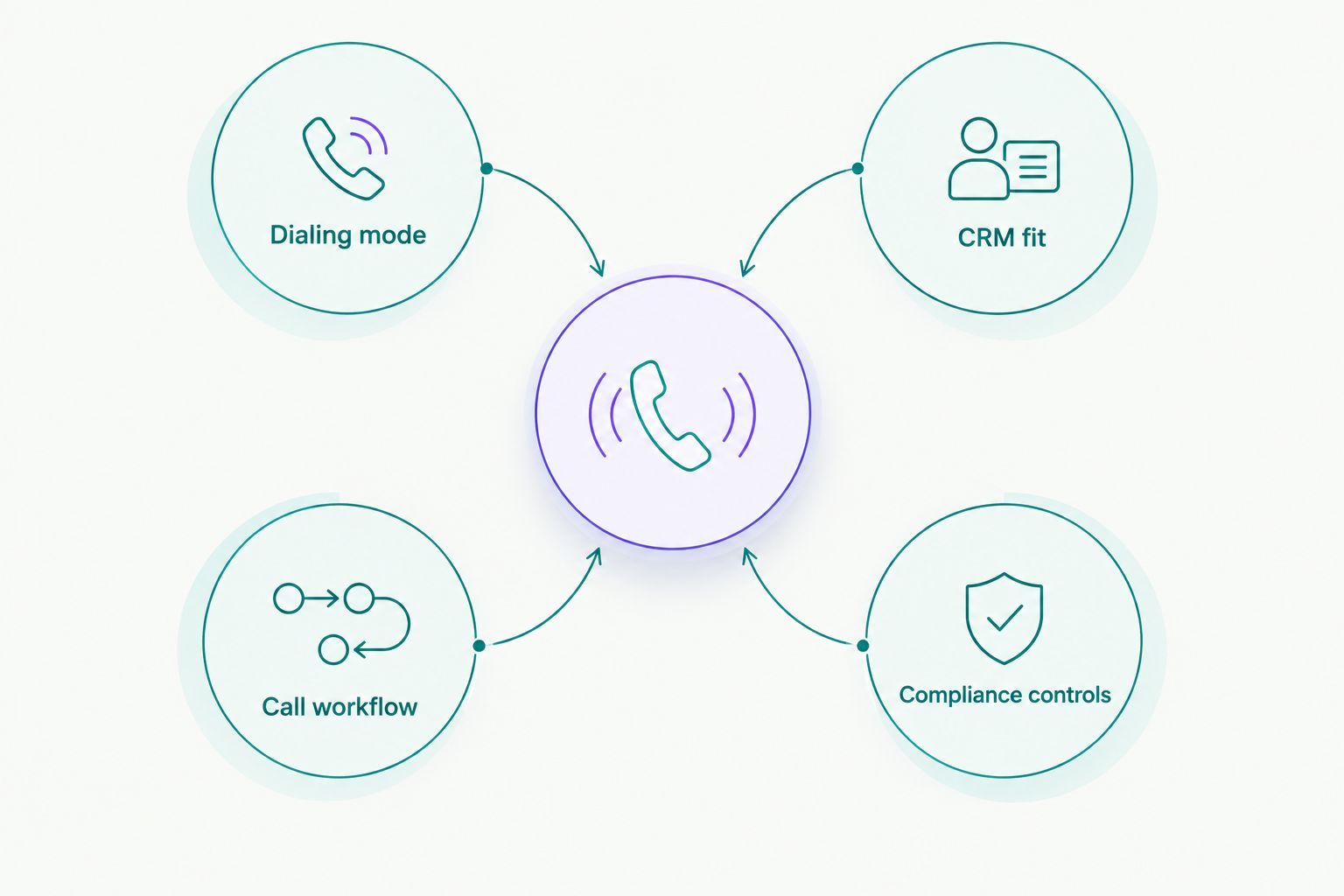
- Match dialing mode, CRM fit and compliance controls to the work your team actually does.
Why this matters
An auto dialer removes manual dialing, but that alone does not make it the right sales tool. A small team also needs a way to track conversations, work its contact lists and keep calling practices under control. Buy the wrong type of dialer and reps still spend their day moving between the phone and the CRM.
The choice in 2026 starts with the work itself. Outbound prospecting, inbound call handling and CRM-based follow-up are different jobs. A system built around one should not win a buying guide for another simply because it can place calls.
What makes the best auto dialer software for small business?
Use these criteria before comparing vendors. They separate the calling workflow you need from features that sound useful but will sit idle.
- Dialing mode: Power dialing moves through a list in sequence. Parallel dialing places simultaneous outbound calls. Predictive dialing uses pacing to decide when to place calls. Ask which mode your team will actually use.
- CRM fit: Reps need call activity and follow-up work in the system where they manage prospects. Check the specific integration and the information it passes between systems.
- Call workflow: An outbound prospecting team needs a different daily queue from a business that routes incoming calls across staff.
- Compliance controls: Check how the team handles do-not-call lists, consent, calling rules and recordings where applicable. Software does not make a calling practice compliant by itself.
- Management visibility: A manager needs to distinguish attempts from conversations and conversations from useful outcomes. Ask to see the reporting before committing to a workflow.
In 2026, start with dialing mode and CRM fit. A long feature list will not repair a mismatch between how reps call and where they record the result.
Best auto dialers at a glance
| Auto dialer | Best for | Standout feature | Key limitation |
|---|---|---|---|
| Powerdialer | Small B2B outbound teams | Power, parallel and predictive dialing with CRM integrations | Narrower fit when inbound phone coverage is the main job |
| Close | Teams that want calling inside a sales CRM | Calling alongside lead and deal work | Less suitable when the team must retain a different primary CRM |
| Aircall | Teams that need a shared business phone system | Team calling and call routing | Phone-system needs can take priority over outbound dialing depth |
| JustCall | Teams that combine calls and SMS | Calling and messaging in one workflow | Less focused on dialing alone if SMS is not part of the plan |
The table is a workflow decision, not a claim that one vendor produces more conversations than another. No connect-rate comparison is supported here. Ask each vendor to show the exact calling sequence your reps would use.
1. Powerdialer: best auto dialer for B2B cold calling
Powerdialer combines power, parallel and predictive dialing with ringless voicemail and integrations for Salesforce, HubSpot and Pipedrive. Its stated audience is B2B sales teams and SDR agencies doing cold calling. That makes it the clearest first choice here when a small team's main task is working outbound prospect lists.
The decision is less clear if your business needs a general phone system for incoming customer calls. In that case, compare inbound routing and team coverage before treating outbound dialing features as the deciding factor. A dialer that fits an SDR queue is not automatically the right front desk.
Powerdialer pros:
- Supports several dialing approaches, so teams can evaluate the mode that fits their calling process.
- Includes ringless voicemail as part of its stated platform.
- Names Salesforce, HubSpot and Pipedrive among its CRM integrations.
Powerdialer cons:
- Its B2B cold-calling focus is a weaker match for a business centered on inbound service calls.
- Teams without a defined outbound list and follow-up process still need to build that process; a dialer does not supply it.
Best for: Small B2B sales teams and SDR agencies that spend their calling time prospecting.
Verdict: Buy if outbound cold calling is your team's primary phone workflow. Check the relevant CRM integration and the dialing mode in a live demonstration before making the switch.
2. Close: best auto dialer for CRM-first sales teams
Close is a sales CRM with calling built into the rep's lead workflow. It belongs on the shortlist when your team wants to manage prospects and make calls in the same system rather than connect a separate dialer to an existing CRM.
That distinction matters. If your team already works from a CRM it intends to keep, replacing the center of its sales process is a larger decision than choosing a calling tool. Map the change in daily work before comparing dialing features.
Close pros:
- Keeps calling close to the lead records reps work from.
- Suits teams choosing both a CRM and a calling workflow.
- Reduces the need to judge a separate dialer-to-CRM connection.
Close cons:
- A poor fit if keeping your current primary CRM is nonnegotiable.
- Choosing it requires a CRM decision, not just a phone decision.
Best for: Small sales teams that want calling inside their primary sales CRM.
Verdict: Buy when you are willing to make Close the center of the sales workflow. Hold if the team is committed to another CRM; evaluate a connected dialer first.
3. Aircall: best auto dialer for a shared phone system
Aircall is a business phone platform built for team calling. Put it ahead of a prospecting-focused dialer when calls must reach the right person across a shared phone workflow, including incoming calls. The job here is broader than working down an outbound list.
That broader remit is also its trade-off. A team judged mainly on outbound prospecting should inspect the actual dialing workflow rather than assume that a business phone system will suit an SDR queue.
Aircall pros:
- Centers the phone workflow used by a team, not only an individual rep's prospect list.
- Fits a comparison where inbound handling matters alongside outbound calling.
- Gives buyers a clear alternative to a cold-calling-first dialer.
Aircall cons:
- Its broader phone-system focus is not, by itself, a reason to choose it for high-activity prospecting.
- Teams buying only an outbound dialer must assess whether they need the wider phone workflow.
Best for: Small businesses that need shared business calling and inbound coverage as well as outbound calls.
Verdict: Buy if handling calls across the team is the main requirement. Hold if reps spend most of their time on outbound prospect lists; compare that specific workflow first.
4. JustCall: best auto dialer for calls and SMS
JustCall combines business calling with SMS. It is the relevant alternative when your outreach process deliberately includes both phone conversations and text follow-up. Judge the whole sequence, not the dialer screen in isolation.
SMS adds another workflow to manage. Your team must know when a text is appropriate, where the exchange is recorded and which consent rules apply. If SMS is not in the plan, its presence does not make a calling tool a better fit.
JustCall pros:
- Puts calling and SMS on the same vendor shortlist.
- Suits teams that use more than a voice-only outreach sequence.
- Lets buyers assess phone and messaging work together.
JustCall cons:
- Messaging adds process and compliance decisions beyond calling.
- Its call-and-SMS fit offers less value to a team that needs only outbound voice dialing.
Best for: Small sales teams with a defined, compliant process for both calls and SMS.
Verdict: Buy when both channels are part of the team's daily work. Skip it as a deciding choice if SMS will not be used; compare the voice workflow instead.
How we ranked these tools
This 2026 ranking prioritizes fit for a small business's actual calling job: outbound prospecting, CRM-centered selling, shared phone coverage or combined calling and SMS. Dialing mode, CRM fit, call workflow and compliance controls determine the order. It does not rank vendors by an unverified connect rate or claim that identical features work the same way across every setup.
Use a demonstration to settle the final choice. Give each vendor the same prospecting or call-handling scenario. Ask a rep to place a call, record the outcome and create the next action while you watch. Then check what the manager can see and how the process handles your calling rules. A feature list cannot show where a rep loses time.
Which auto dialer should you choose?
Choose Powerdialer for a small B2B outbound team in 2026. Its mix of dialing modes and stated CRM integrations fits the cold-calling job this guide puts first. Choose Close if you also want to choose the CRM your reps work in. Choose Aircall if incoming and shared calls drive the decision. Choose JustCall if SMS is a planned part of outreach.
Do not buy based on the word auto alone. Write down who gets called, which dialing mode reps will use, where the result must appear and what happens after a conversation. The right tool makes that sequence easier to execute; it cannot define the sequence for you.
FAQ
What is the best auto dialer software for small business in 2026?
Powerdialer is the best fit for a small B2B team focused on outbound cold calling. Choose a different tool if your main requirement is a built-in CRM, shared inbound calling or SMS.
Is a power dialer or a parallel dialer better for a small sales team?
A power dialer fits a team that wants to work through contacts sequentially; a parallel dialer fits a team evaluating simultaneous outbound calls. Choose based on your calling process and compliance requirements, not the mode's name.
Is Close better than a separate auto dialer?
Close is the better fit when you want calling inside the CRM your team uses to manage leads. A separate dialer is the clearer choice to assess when you intend to keep your existing CRM.
Should a small business choose Aircall or an outbound dialer?
Choose Aircall when shared business calling and incoming call handling lead the requirements. Choose an outbound-focused dialer when prospect-list calling is the main job.
When should a sales team consider JustCall?
Consider JustCall when calls and SMS are both part of a defined outreach process. If your team uses voice only, judge its calling workflow against voice-focused alternatives.
Does auto dialer software handle do-not-call compliance automatically?
No dialer removes your responsibility for compliant calling. Check how each tool supports your do-not-call, consent and recording processes, and apply the rules that govern your calls.
What should a small team check in a dialer demonstration?
Ask a rep to call a prospect, record the outcome in the CRM and set the next action. Check the manager's view and the controls your team needs for its calling process.
One last thing
Before choosing a dialer in 2026, watch what happens after a prospect answers. A faster call attempt saves little if the rep must then copy notes into another system or reconstruct the follow-up. Make the completed conversation, not the dial button, the final test.